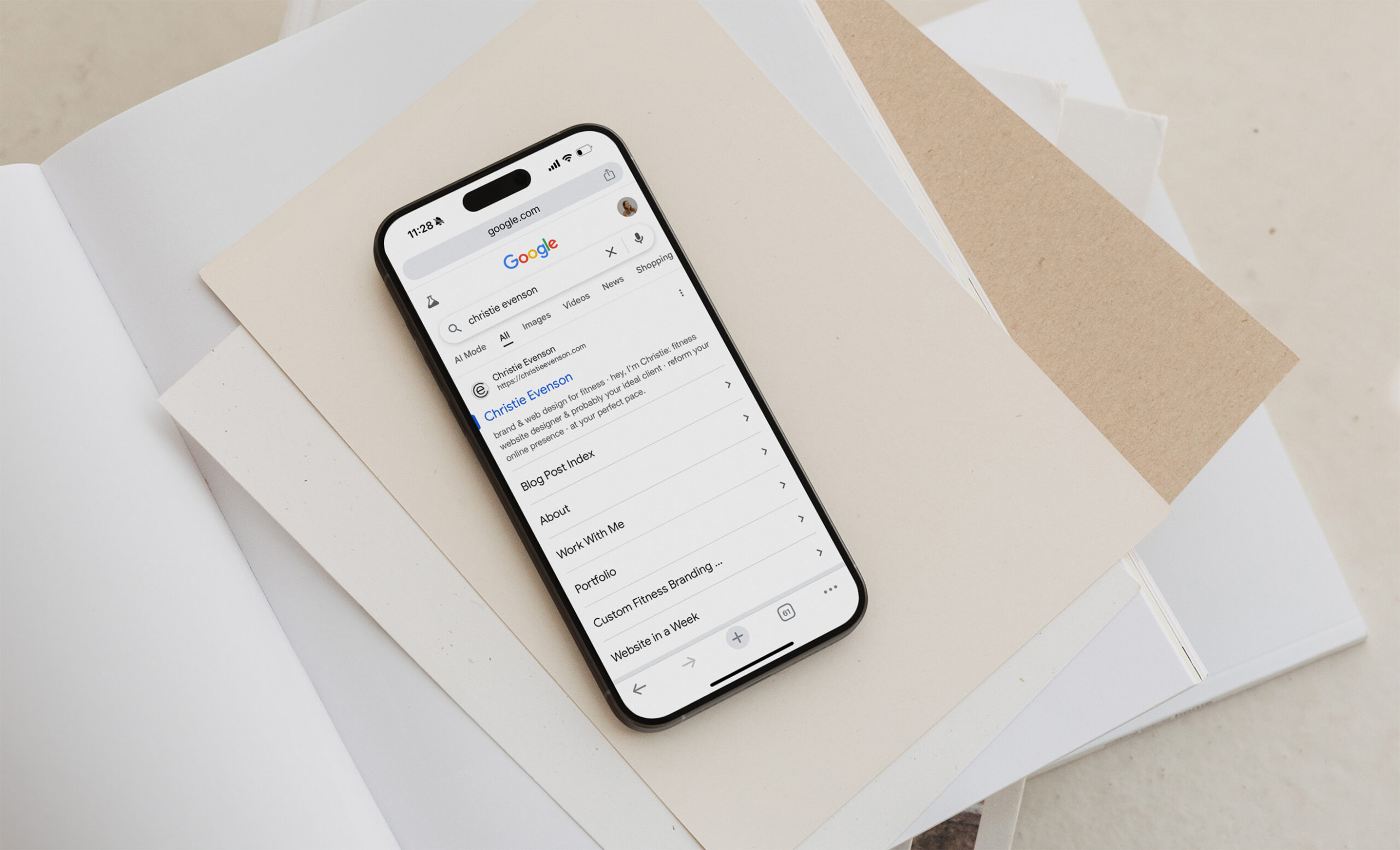
Looking to boost your fitness business’s online visibility but feeling overwhelmed by SEO? This comprehensive checklist breaks down the essential SEO tasks specifically for Showit websites, organized by impact level so you can prioritize the changes that will move the needle most for your search rankings.
Pro tip: focus on one area of optimization at a time to avoid overwhelm.
Quick Links:
The Foundation: Identifying Keywords
When it comes to SEO (search engine optimization), keyword research is your foundation. Think of it this way: SEO is all about helping people find your fitness business when they search on Google. To show up in their search results, you need to understand exactly what words and phrases your potential clients are typing into that search bar.
The key is thinking like your ideal client, not like a fitness professional. While you might describe yourself as a “corrective exercise specialist,” your potential clients are probably searching for solutions to their problems using simpler, more everyday language.
Using Google Ads Keyword Planner
One of the best free tools for finding effective keywords is Google Ads Keyword Planner. Here’s how to use it:
- Access the tool: Sign into Google Ads, go to “Tools,” then under “Planning,” select “Keyword Planner”
- Start your search: Click “Discover New Keywords”
- Enter your initial ideas: Type in words and phrases you think people might search for
Location-Based Keywords for Local Fitness Businesses
If you run a brick-and-mortar fitness studio, incorporating your location into your keywords is crucial. For example, instead of just “Pilates studio,” try “Chicago Pilates studio.” This helps you capture local search traffic from people in your area who are ready to visit your location.
Understanding the Data
When you run your keyword search, you’ll see two important metrics:
- Average monthly searches: This shows how many people search for this term each month. Look for keywords with at least 100-1,000+ searches monthly
- Competition level: This indicates how many other websites are trying to rank for the same keyword. Low competition is ideal, especially when paired with decent search volume
The goal is to balance search volume with competition. While highly specific keywords might have very low competition, they may also have very low search volume. Conversely, broad terms might have high search volume but intense competition. Aim for keywords that have solid monthly searches (ideally 100-1,000 or more) with low to medium competition.
Think Like Your Client, Not Like a Professional
Remember, your potential clients aren’t searching using industry jargon. Instead of focusing on technical terms, think about:
- The problems your clients are trying to solve
- Simple, everyday language they’d use
- The benefits they’re seeking from fitness services
Building Your Keyword List
The Keyword Planner will also suggest related keywords based on your initial search terms. Use these suggestions to build a comprehensive list of keyword variations. Having a diverse set of related keywords prevents your website copy from becoming repetitive while ensuring you cover all the ways people might search for your services.
Once you’ve identified your target keywords, you’ll use them strategically throughout your website – in your copy, meta titles, descriptions, and more. In the following sections of this checklist, we’ll show you exactly how to implement these keywords effectively on your Showit site, from most impactful to less impactful.
High Impact
Resolving Broken Links
Broken links can seriously hurt your SEO rankings, so it’s essential to identify and fix them regularly.
Quick Fix Tool: Install the “Check My Links” Chrome extension. Simply click the extension button on any page of your site, and it will scan and highlight all links – valid links appear in green, broken links in red. Go through your site page by page to catch any issues.
Pro Tip: This tool also catches links you didn’t even realize existed on your pages, which is helpful for both SEO and user experience.
Set Up Redirects: If you ever change a page URL, create a redirect in Showit to prevent broken links. Go to Site Settings > Custom Domain > gear icon, then add the old URL and new URL. This protects against broken external links from other websites or bookmarked pages pointing to your old URLs.
Page Titles and Meta Descriptions
These elements directly control how your pages appear in Google search results and social media shares.
How to Add in Showit:
- Click on any page to open page settings in the sidebar
- Scroll down to “SEO Settings”
- Add your page title, meta description, and choose an image
Why It Matters: Your page title and meta description are what potential clients see in Google search results before they click on your website. They’re your first impression and can significantly impact your click-through rates.
Pro Tip: Make sure each page has unique, descriptive titles and meta descriptions that include your target keywords and clearly communicate what visitors will find on that page.
Submitting Your Sitemap to Google Search Console
A sitemap helps Google find and index all your website pages faster, rather than waiting for Google to discover them naturally.
Find Your Showit Sitemap: Your Showit sitemap is located at yourdomain.com/siteinfo.xml (replace “yourdomain.com” with your actual website URL).
Submit to Google Search Console:
- Log into Google Search Console (free with any Google account)
- Select your website property
- Go to “Sitemaps” in the left menu
- Copy and paste your sitemap URL (yourdomain.com/siteinfo.xml) into the submission box
- Click “Submit”
When to Resubmit: Repeat this process whenever you add or delete pages from your website to ensure Google has the most current map of your site structure.
Blogging
Blogging is one of the most powerful ways to boost your SEO by creating fresh content and naturally incorporating more keywords into your website.
Showit + WordPress Setup: Your Showit blog runs on WordPress, which gives you access to powerful SEO tools.
Install Yoast SEO Plugin:
- In your WordPress dashboard, go to Plugins > Add New
- Search for “Yoast SEO” and install the free version
- Activate the plugin
Optimize Each Blog Post:
- Focus Keyword: Choose a unique keyword for each post (avoid competing with yourself)
- SEO Title & Meta Description: Craft compelling titles and descriptions that will appear in Google search results (Headline Analyzer is a great tool for creating optimized headlines)
- URL Slug: Create clean, keyword-friendly URLs
Real-Time Optimization: Yoast analyzes your post and provides specific suggestions for improvement.
Readability Matters: The plugin also checks readability – easier-to-read posts keep visitors engaged longer, which signals to Google that your content is valuable.
Related: all of my full website templates include blog templates to make it easy to start blogging
Good User Experience
Your website’s design and user experience directly affect your search rankings. An engaging, professional design paired with intuitive user flow keeps visitors on your site longer – and Google pays attention to these engagement metrics. When people spend more time exploring your website, it signals to Google that your content is valuable and worth ranking higher. This creates a win-win situation: the longer visitors stay engaged with your site, the better your SEO performance becomes, and the more likely those visitors are to convert into actual clients. Focus on creating clear navigation, compelling content flow, and a polished design that guides visitors naturally from page to page.
Related: check out my website templates for a strategically designed user experience.
Site Speed
Page speed is a direct ranking factor for Google – faster sites rank higher and provide better user experience.
Test Your Speed: Use Google’s PageSpeed Insights tool to analyze your site’s performance and get specific improvement recommendations.
Image Optimization Tips:
- Choose JPG format for photos (smaller file sizes)
- Only use PNG when you need transparent backgrounds
- Crop images to match your design dimensions (but also consider mobile layout when sizing images)
Video Best Practices: Keep videos short and compress them using tools like HandBrake to reduce file size without sacrificing quality.
Important Balance: Don’t sacrifice visual appeal for speed. A website with no images might load fastest, but poor user experience will ultimately hurt your SEO more than slow load times. Focus on optimizing your visual content rather than removing anything that could be benefit the user experience.
Backlinks & External Links
Backlinks (other websites linking to yours) are one of Google’s strongest ranking signals – they act like votes of confidence for your content.
How to Earn Backlinks:
- Collaborate with other fitness professionals or complementary businesses
- Write guest blog posts for industry websites
- Appear as a guest on relevant podcasts
- Create valuable content that others naturally want to reference
External Links (links from your site to other websites) also benefit your SEO by showing Google you’re connected to authoritative sources and providing value to your visitors.
Best Practice: Link to reputable, relevant websites when it adds value for your readers. This demonstrates expertise and builds trust with both users and search engines.
Medium Impact
Text Tags
Text tags help Google understand your page structure and content hierarchy, improving how search engines read and categorize your pages.
How to Set in Showit: Click any text element, then go to “Text Properties” in the right sidebar to select the appropriate text tag.
Text Tag Hierarchy:
- H1: Use only ONE per page for your main headline
- H2/H3: Use for subheadings throughout the page
- P (Paragraph): Use for all body text and regular content
- Nav: Only for main navigation menu items
- Div: For decorative text that doesn’t need to be read by search engines
Important Rules:
- Never use H1 tags in site-wide elements that appear on every page, like your header or footer
- Showit automatically assigns text tags when you add elements, so review and adjust as needed
- Maintain logical hierarchy: H1 → H2 → H3 for proper content structure
Related: my website templates are already set up with optimal text tags for you.
Image Alt Descriptions (SEO Image Title not necessary)
While not the highest SEO priority, optimizing image titles and alt text provides additional opportunities to include keywords and improve accessibility.
Where to Add in Showit: Only available for images added as elements (not canvas backgrounds). Click on any image element and you’ll see title and alt text fields in the right sidebar.
Alt Text is Key: This text serves multiple important purposes:
- Displays when images fail to load
- Used by screen readers for visually impaired visitors
- Provides SEO value when keywords are naturally included
Best Practice: First, accurately describe what’s in the image. Then, if you can naturally work in relevant keywords without being spammy, that’s a bonus SEO opportunity.
Implementation: Go through your site systematically and add unique, descriptive alt text to each image element.
Low Impact
Element Order
While the least critical for SEO, proper element order ensures screen readers can navigate your content logically, which can have a minor positive impact on search rankings.
Why It Matters: Screen readers follow the element order in your Showit sidebar, not the visual layout. Proper order improves accessibility and user experience for visually impaired visitors.
How to Check:
- Click into any page section
- Look at the element list in the left sidebar
- Click through each element – they should highlight in logical reading order
Order Based on Mobile: Always arrange elements according to how they should be read on mobile devices (top to bottom flow).
How to Fix: Simply drag and drop elements in the left sidebar to reorder them correctly.
Note: Showit templates from reputable designers typically have this set up correctly, but element order can shift as you edit and add content to your site.
SEO doesn’t have to be overwhelming when you have the right roadmap. By implementing these strategies systematically – starting with the high-impact tasks like keyword research and broken link fixes, then working through the technical optimizations – you’ll see real improvements in your search rankings and online visibility.
Ready to skip the guesswork and start with a solid SEO foundation? All of my Showit website templates come pre-optimized with proper text tags, element order, fast-loading design, and SEO best practices built right in. Instead of spending weeks fixing technical issues, you can focus on creating great content and growing your fitness business while knowing your website is already set up for search success.


FILED IN:
Showit Tutorials, Tips
SHARE ON: