How to Add Your Schedule or On-Demand Library to Your Website (+ Platform Recommendations)
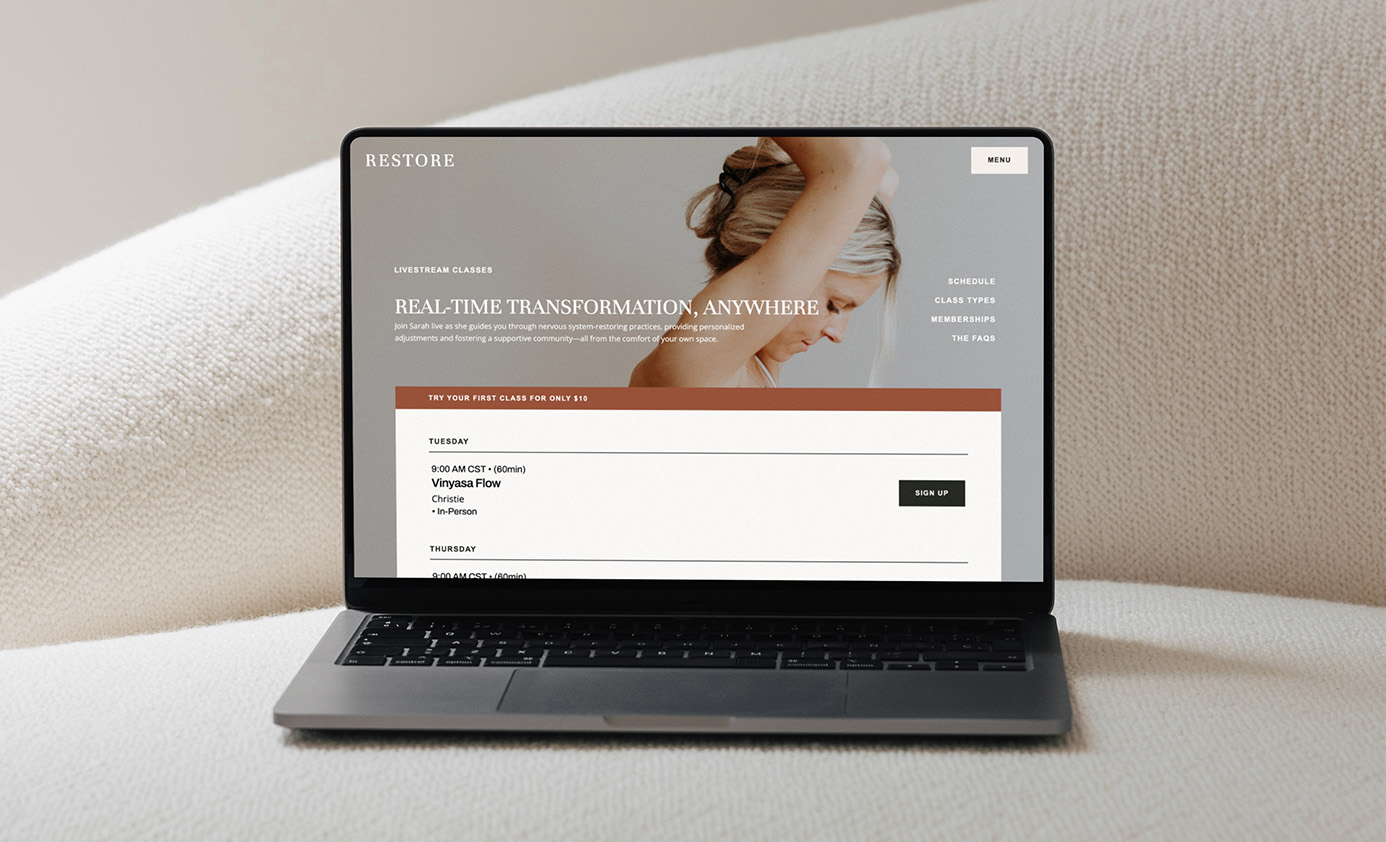
This video shows how to edit the built-in schedule and on-demand layouts or how to embed a third-party platform. In this case I show specifically how to embed a scheduler from Arketa, but will share more platform options below the video! The process of adding an embed code to Showit will be the same for all of them.
Recommended Scheduling Platforms:
Walla (50% off with this link): This is my new favorite platform for its functionality, design and amazing reporting tools. It also has the option for an app and works well for multiple studio locations. It includes booking systems for:
- group classes (in-persona and livestream)
- multi-event programs (like teacher trainings or a 6-week series)
- private sessions
- on-demand
- room rentals
- WallaPredict – an AI-powered retention tool
Walla walkthrough video to get a feel of the platform
demo video: customizing and embedding your content
demo video: creating lead forms
Momence: Similar to Walla and is good for studios with multiple employees and locations. Features include:
- group class scheduling
- on-demand
- private session scheduling
- courses
- “semesters” which are like a series of classes
- products- option of selling both in studio and online
- client management (very in-depth)
Mariana Tek: offers spot scheduling and on-demand and builds out a custom platform for your specific needs, which means it is a bit more premium and I would probably only recommend it as an option if you have a brick and mortar studio with multiple instructors.
Zingfit: similar to Mariana Tek (it looks like they’re actually owned by the same company), this platform offers spot scheduling and can integrate well into a Showit website. From what I can tell it doesn’t look like they have an on-demand option though.
Acuity/Squarespace Scheduling: this option could work if you primarily focus on private sessions or sell a program that includes multiple sessions in a series. The user flow for group classes prompts you to first pick a type of class then a time rather than seeing the full calendar of classes, which I don’t love.


FILED IN:
Showit Tutorials
SHARE ON: